
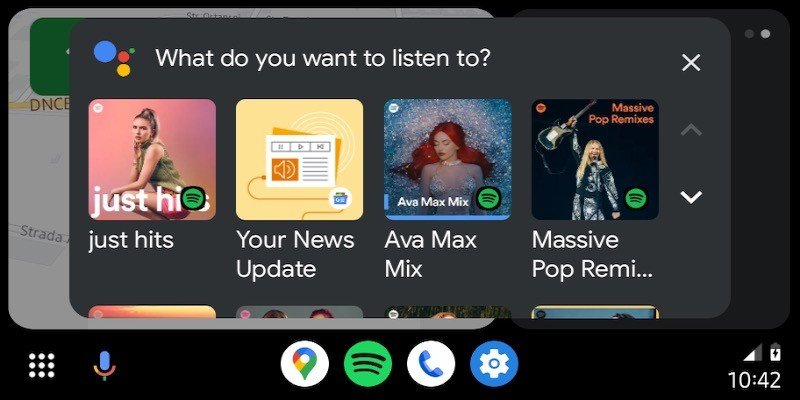


The Android Auto 13.4 update has introduced a sleek redesign for the music player, offering improved navigation and an enhanced user experience. Rolling out gradually over the past week, the update brings a cleaner interface and new features tailored for audio apps like Spotify and Apple Music.
A Fresh Music Player Design
The most noticeable change in the update is the revamped music player layout. Previously, the album artwork and track progress bar were confined to a shared space at the top of the screen. In the updated design, the album artwork now resides on the left side, allowing the track progress bar to span a larger area on the display.
The track progress bar itself has been updated with a new look. It now features the song title, artist name, and time details, all displayed in slightly smaller text to maintain a neat and organized appearance.
Optimized Player Controls
The player controls have also received attention, with adjustments to their placement and functionality. They now extend across the full width of the screen, providing users with easy access to essential functions like play, pause, skip, and repeat. The improved layout ensures a more intuitive experience, especially while driving.
Enhanced Audio App Support
Android Auto 13.4’s improvements are particularly noticeable when using popular audio apps like Spotify and Apple Music. The changes make it easier to navigate playlists, albums, and tracks without unnecessary distractions, aligning with Android Auto’s focus on safe and efficient in-car entertainment.
User Feedback and Rollout
As the update continues its phased rollout, users have praised the cleaner design and enhanced usability. These improvements reflect Google’s ongoing commitment to refining Android Auto based on user feedback and evolving design standards.
The revamped music player, combined with subtle interface tweaks, underscores Android Auto’s aim to offer a seamless and visually appealing experience for drivers.